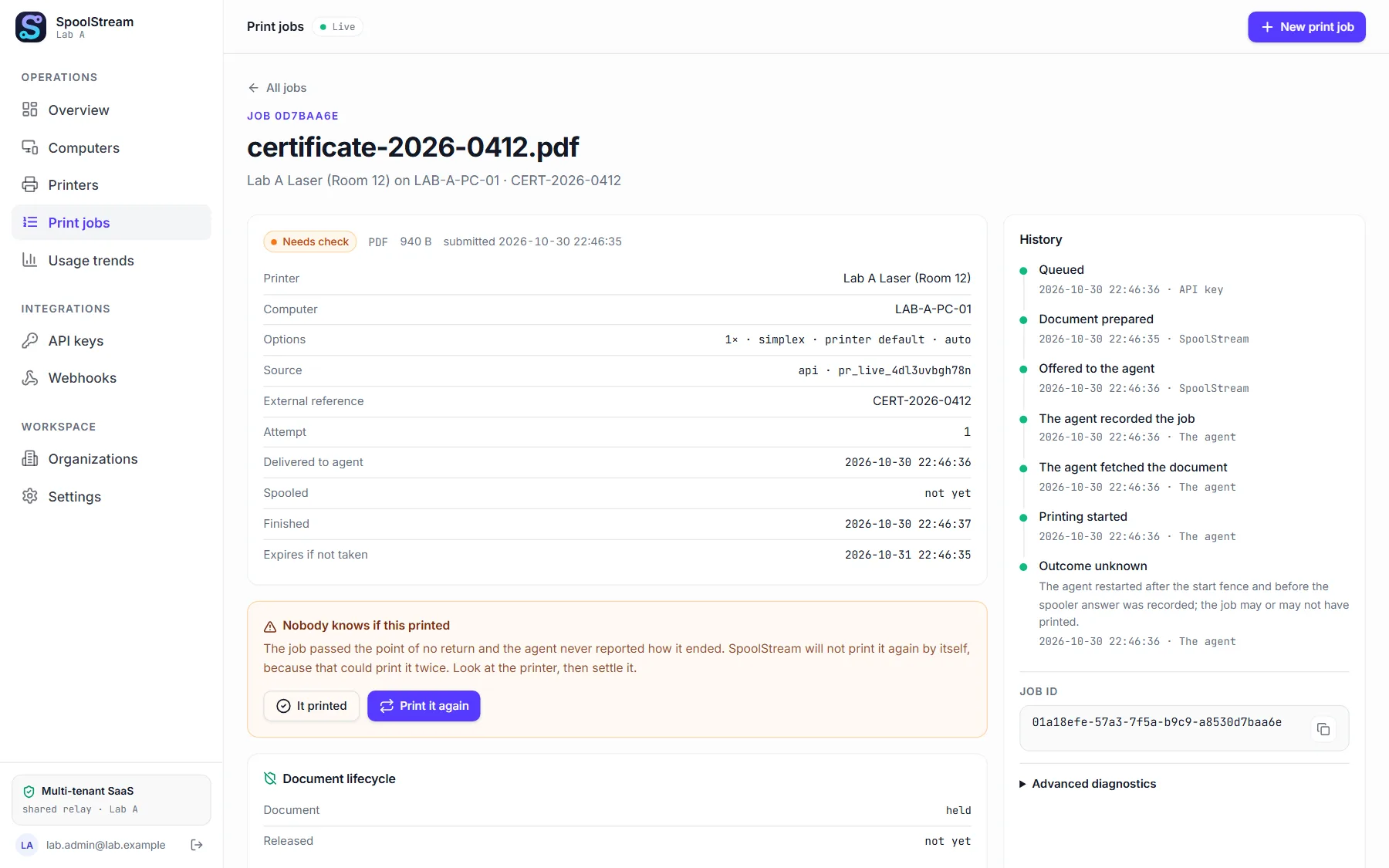
Never a doubt about a page
If nobody can tell whether a page came out, we stop and never reprint on our own. A sealed report shows what happened.
Cloud printing, built first for laboratories
Every page accounted for. Send a PDF or a label from your application, and SpoolStream prints it on the right printer, even in another building.
Free while we launch. Nobody is charged today.
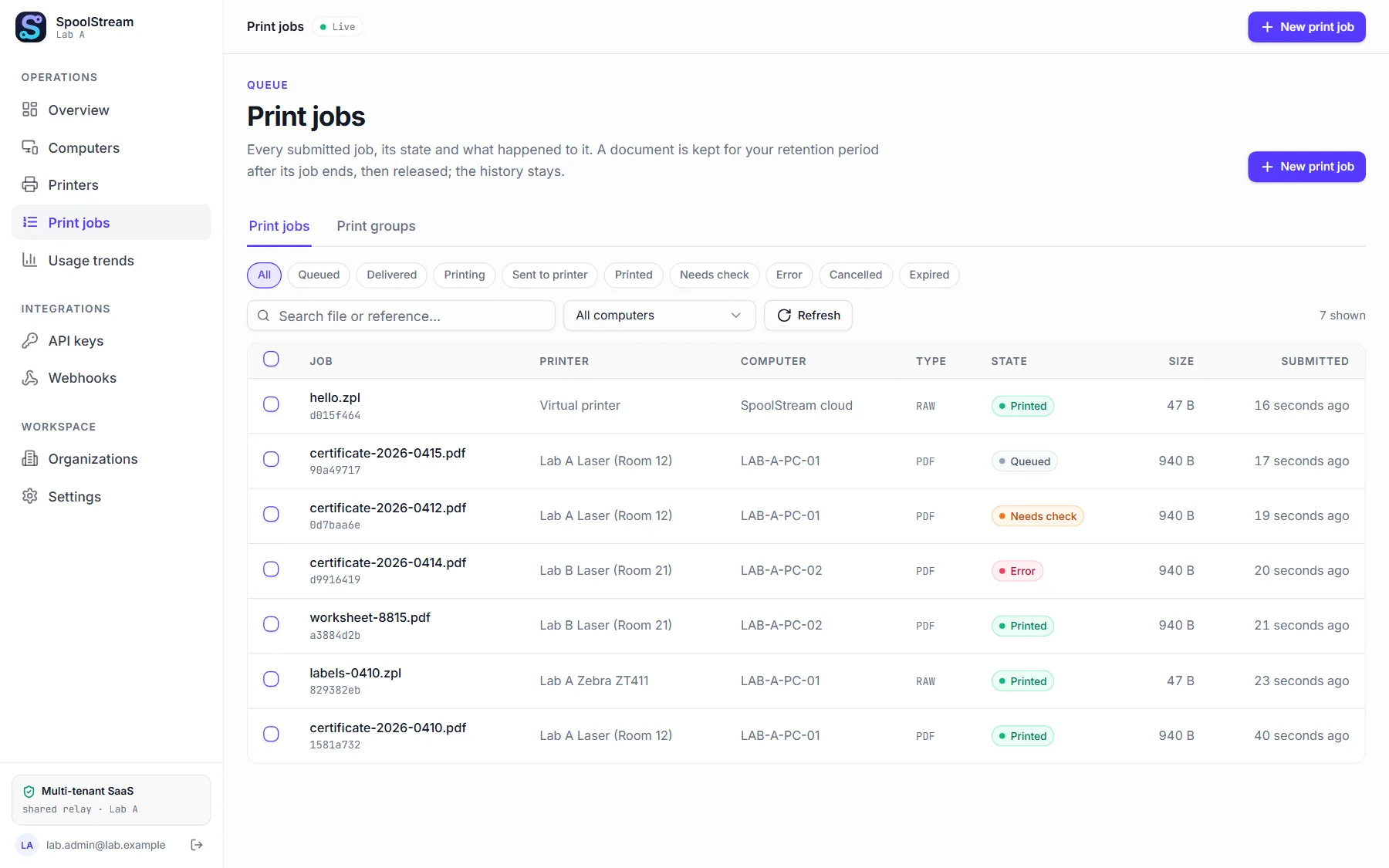
Put a small program on the computer next to the printer. It only connects out: no firewall change.
Your application sends a PDF or a label with the printer's name. A retry never prints twice.
Each job ends printed, failed or uncertain, and you get a signed notice when it does.
If nobody can tell whether a page came out, we stop and never reprint on our own. A sealed report shows what happened.
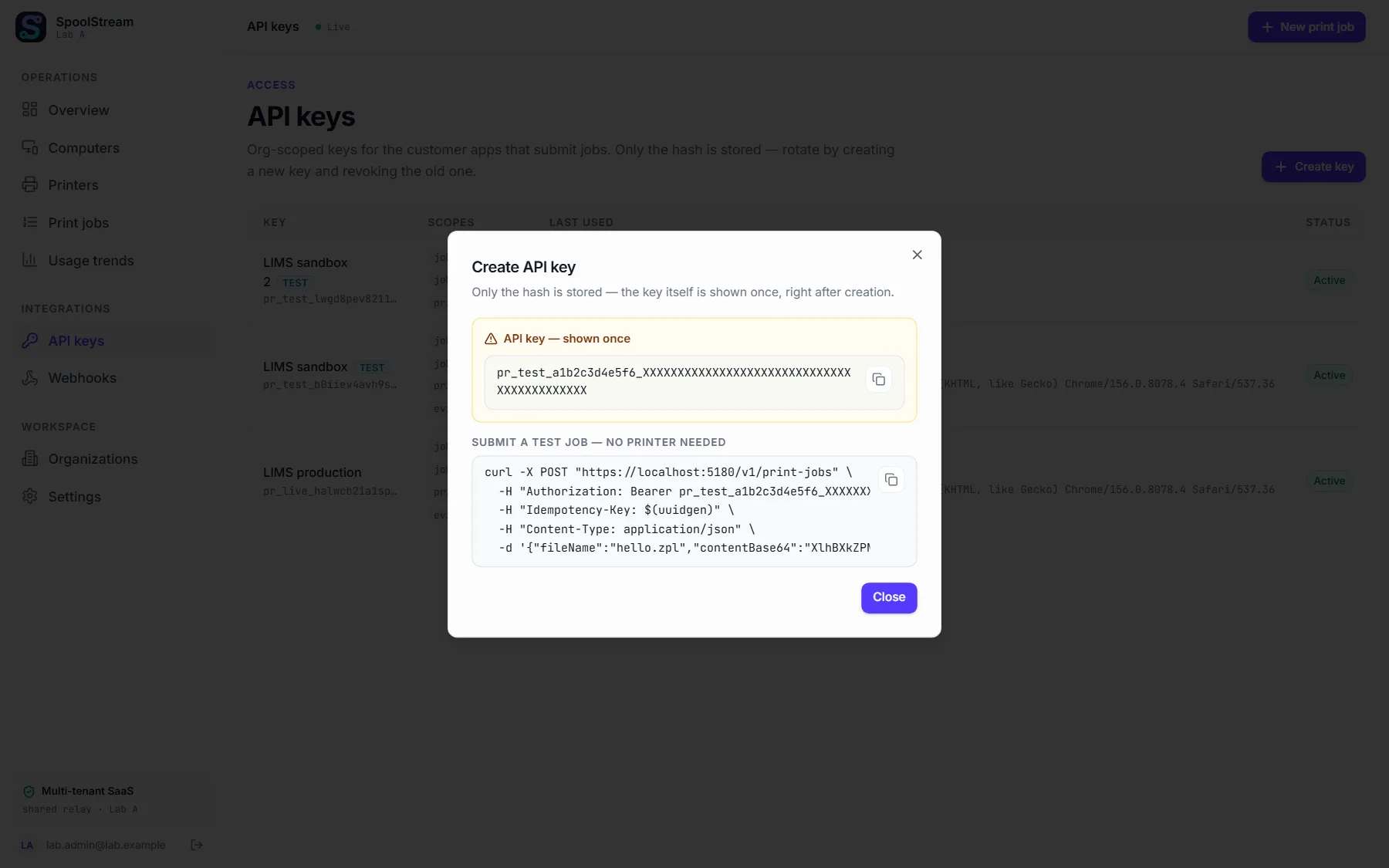
A test key prints on a virtual printer: same steps, same signed notices, nothing printed. Results in about a minute.
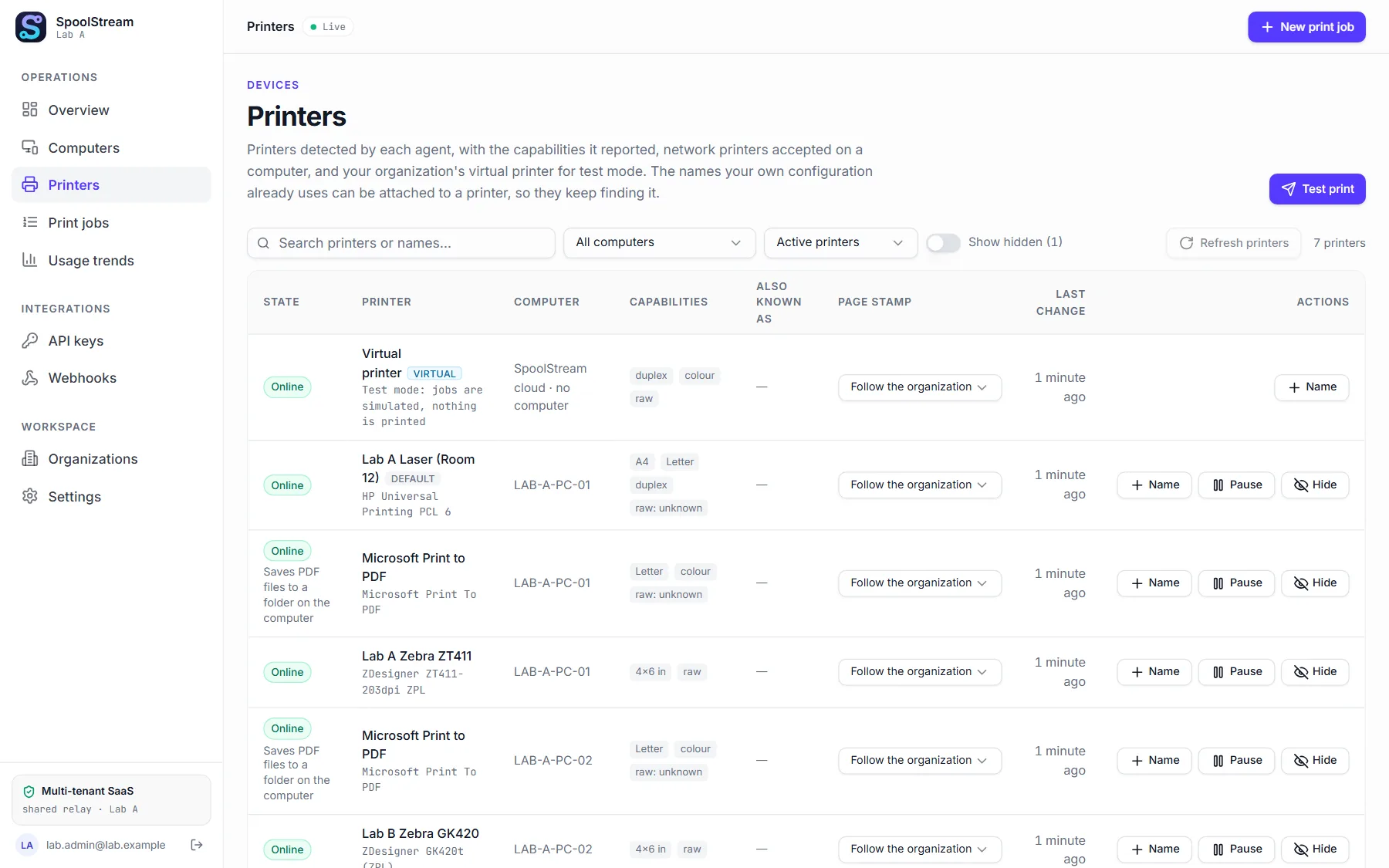
Send to “Lab A Zebra” by name. Hide the queues nobody prints on. A PDF printer saves files where you choose.
Create an account, make a test key, and watch a job go from queued to printed. No printer needed.
Get started